
3 Essential SEO Tips to Optimize Your Blog
This Post May Contain Affiliate Links. Please Read Our Disclosure Policy.
We had such a great response from the first SEO tips post and I’m excited to share another post that will help you grow your pageviews and achieve better ranking on search engines. This one is jam-packed with awesome SEO Tips for Bloggers from one of the top SEO experts! After providing you with the basic SEO tools you need for your website, this time we want to focus on the actual optimization; in other words, you need to make sure that search engines understand what your post or page is about, while ensuring that your reader also finds what he/she is looking for in your content.

Here are 3 areas you need to focus your optimization on:
SEO Tips to Optimize Your Photos:
Table of Contents
Each picture you upload on your page or post should be optimized; search engines can not YET read your images, so adding a text will help them understand what your image and post/page are about. Google recently published new guidelines as it indexes web images differently and here is what you need to do:
- Be sure to add a description in the Alt Text field.
- Be sure to include the keyword you’re focusing your post/page on
- Be sure to add your brand (to increase your brand exposure)
You do not need to title the pictures a specific way when uploading them on your blog platform nor do you need to add a title, but be sure to add your description in the Alt Text field.

SEO Tips to Optimize your Posts:
SEO best practices change regularly thanks to search engines amending their algorithm, but here are some best practices for your blog posts that were applicable 8 years ago and that still are today:
- Choose your keyword wisely; think about what your post is about and focuses solely on one topic. You should opt for a longtail keyword (Ie: “Nordstrom Half Yearly Sale” instead of “Sale”) – you will have a higher chance of ranking on Google’s first pages with a longtail keyword, increase your pageviews, and help your readers find the info they’re looking for on your blog.
- For a WordPress blog, plugins exist to help you optimize your blog; the most used one is Yoast SEO, a free plugin that guides you through your post/page optimization with a system of stop lights. You can opt for Yoast SEO’s premium version for even more optimization features. With the Yoast SEO plugin, you can easily add a focus keyword, SEO title, slug, and meta description. You also want to ensure your longtail keyword is in your meta description.
- Just a few of the steps I take to optimize each post include placing my longtail keyword in the first paragraph as well as throughout the text where natural.
SEO Tips to Optimize your Site:
Now that you understand the basics of onpage optimization, your entire site should ideally be optimized… however, if you’ve been blogging for years, optimizing 3,000 posts may be overwhelming!.
Instead, focus on the past content which you feel is evergreen; maybe you have a post on styling a classic ruffle skirt, or you worked a lot on your favorite Christmas recipes, these are the posts you’ll want to focus your optimization efforts retroactively, whilst also optimizing your current/upcoming posts. It will take some time at first, but optimization will become second nature as you get used to it!
You also want to optimize each key page or category on your site. By optimizing these pages with appropriate keywords that help your site rank, you will better reach your target audience and your content will be seen more. Afterall, you dedicate a lot of time and effort creating content so you certainly don’t want that hard work to be for not!
If you are like me, SEO optimization can be daunting, but keep in mind that you’re optimizing your content so your readers can find relevant information; so they come back and visit your brand regularly as they identify with your content. Don’t forget to focus on keywords that are relevant to your brand and content! And when in doubt, don’t hesitate to contact a top SEO expert!
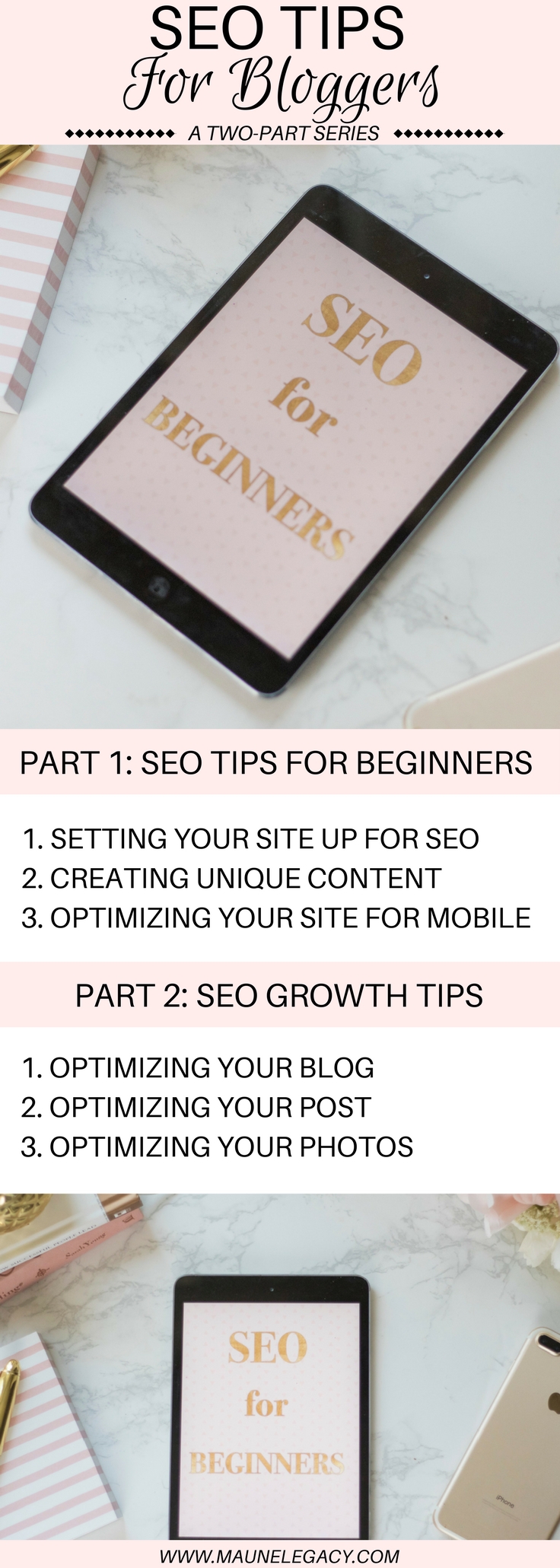
Hope you will make the most of these SEO Tips to optimize your blog! What kind of SEO tips are you looking for? Let me know in the comments below! If you missed the first post, check it out here, and if you are new to blogging or you are wanting to grow your blog, check out my series on How to Start a Blog. Here’s a handy pin so you can save this for later.



Such great tips! SEO is so important. I probably didn’t start focusing on SEO until maybe 2 or 3 years in and man did I regret not learning about it sooner haha I’m now 4.5 years into blogging and am STILL in the process of updating the SEO on older posts. So important!
Thanks for this post! I’m kinda confused on whether I’m optimized or not. I use Yoast’s stoplight system and all my posts have a green light for SEO, but I’m not sure if that means I’m good or not. I wonder if my actual keywords aren’t good enough. I have the cheap version which only allows me 1 key word. How important is it to pay for the upgraded 5 key words version? Thanks!
The green light with Yoast is definitely a great start, which means you have your meta-description, slug and keyword entered through the plugin. We mention this in the post, but if you can naturally, you want to try to mention your keyword four times throughout your post. I feel that keyword research is more important than paying for the upgraded version on Yoast. SemRush and Keyword are two great services that can help you determine the best keyword for your post. Hope this helps!
love these tips! seo is something I’m always working on and I can use all the help I can get!
I totally need these tips right now. Thanks for sharing 🙂
Those are great tips. I have to look more into my SEO! Thanks for sharing.
I would probably die without Yoast, no joke. SEO is so important!
Good tips. Yeost indeed is of big help for beginners.
Yes it is very helpful, thank you!
Love it! I’ve been trying to focus on optimizing my newer posts but it never occurred to me to optimize my pages! Thanks for the great tips!
Optimizing my pages made a huge difference both in my google ranking and my DA score!
I think I should really learn these tips and up my game! Really helpful and on point thanks!
I’m so glad you found this helpful!
LOVED these tips! I just launched a new blog and I’m hoping to really grow with my new focus. Learning more SEO is definitely something I need to do!
There is so much to learn with SEO! I’m so glad you found this helpful and I wish you the best with your new launch!!
Really very nice article, thanks for sharing with us.
Thank you, I’m so glad you think so!
Seriously so helpful! It may sound dumb but I have not once used a long tail keyword…definitely will do this and some of your other tips next time i post! Thank you!
Not dumb at all! It’s all a learning process, and I’m always looking for ways to improve! So glad this was helpful!